When a camera stops responding, the first question is rarely “is it broken?” It is usually “what kind of not working is this?” CCTV diagnostics can help answer that question before a technician is sent to the site. One of the most useful clues is often sitting right there in the HTTP status code.
For security and maintenance teams managing hundreds of IP cameras, understanding these responses can make the difference between a quick fix and hours of unnecessary troubleshooting. A 401 response and a 404 response may look identical on a monitoring dashboard, but they point toward very different problems.
Two Failures That Look Identical From a Distance
From a dashboard showing a red status indicator, a 401 response and a 404 response can appear to mean the same thing: the camera is not providing the expected response. Look at the actual HTTP response, however, and the diagnosis becomes much clearer.
This is where automated CCTV diagnostics becomes useful. Instead of treating every unavailable camera as the same fault, a monitoring system can inspect the response and help identify what needs attention.
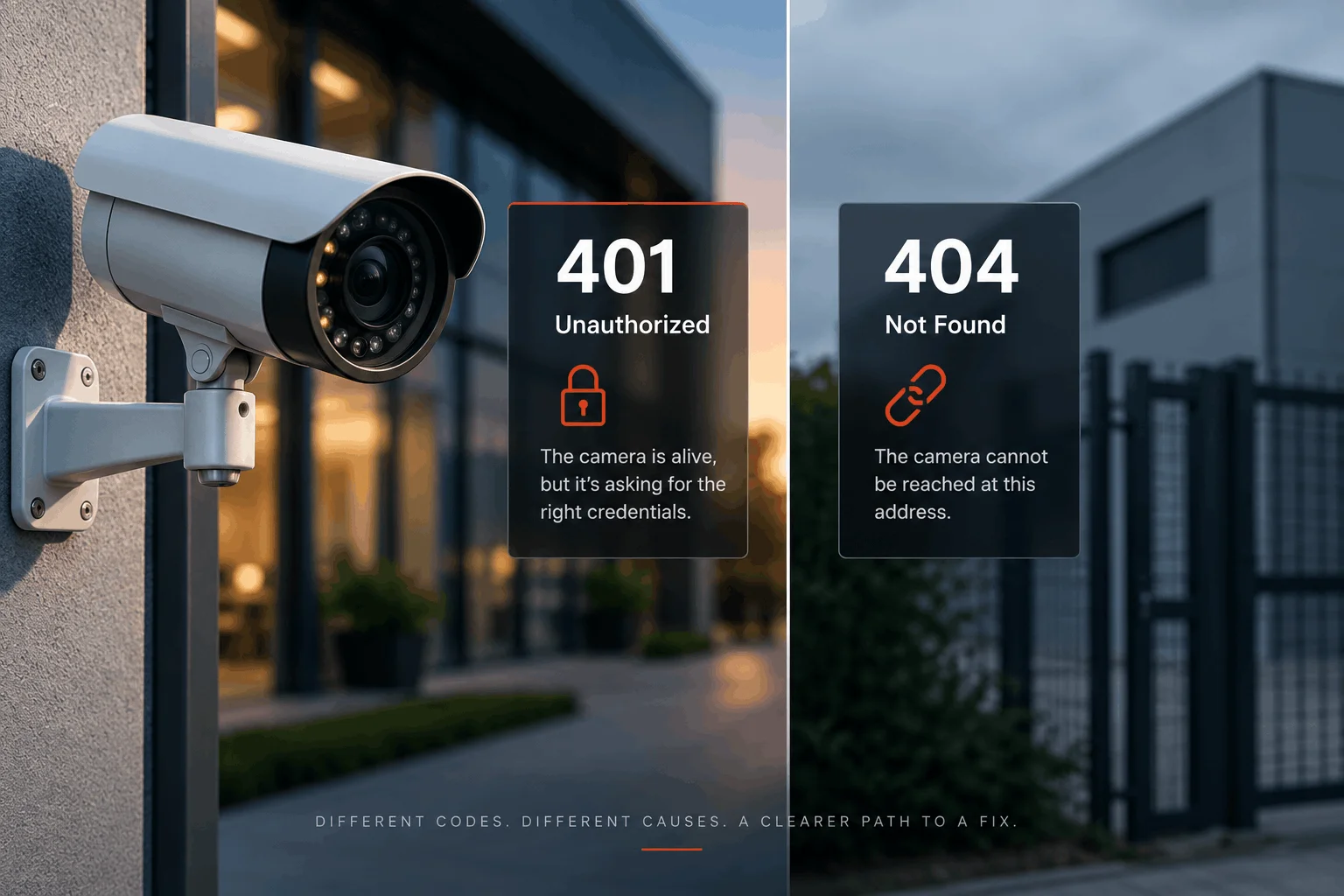
401: The Locked Door
Several things can cause this situation. A password may have been changed, a credential may have expired, an account may have been disabled, or a firmware update may have altered local authentication settings.
A 401 Unauthorized response generally means the service is reachable but the request has not been properly authenticated. In simple terms, the door exists and someone is answering, but the credentials are not being accepted.
The important point is that the camera itself may still be online and communicating with the network.
That changes what the technician should do next. Instead of immediately checking power supplies, network cables or mounting hardware, the issue may need to be handled by the person responsible for device credentials or security configuration.
404: The Wall
A 404 Not Found response tells a different story. It means the requested resource or path could not be found on the service.
For a CCTV environment, this can indicate that the URL or resource previously used to communicate with the camera is no longer available. The cause could be a changed configuration, a firmware update, a different device path or another structural change in the camera’s web service.
In some situations, the underlying device may also have become unavailable and the monitoring system may receive a different response or timeout altogether. That distinction is important because not every camera problem is caused by the camera hardware itself.
The troubleshooting process should therefore consider the response, the device configuration and the network path together.
Minutes of certainty instead of days of guessing.
Why CCTV Diagnostics Matters at Scale
On a single camera, a technician can investigate an error manually in a few minutes. Across four hundred devices spread throughout a campus, that approach quickly becomes difficult to manage.
A large CCTV installation can contain cameras from different manufacturers, firmware versions, network segments and locations. When several devices stop responding at the same time, manually checking each one can consume valuable maintenance hours.
This is where automated camera health monitoring provides a practical advantage.
bravodetect’s built-in camera URL probe reads HTTP responses as part of its regular health checks and helps classify the condition before a technician begins physical troubleshooting. Instead of simply displaying a red camera icon, the monitoring system can provide a more useful indication of what may be wrong.
For example:
- Credential-related faults can be directed to the team responsible for device accounts and authentication.
- Unavailable devices can be investigated for power, cabling, switching or network connectivity.
- Configuration-related responses can be reviewed by the team responsible for camera settings and firmware.
- Repeated failures can be identified across multiple devices, helping teams recognize wider infrastructure or configuration problems.
From a Red Dot to an Actionable Diagnosis
A monitoring dashboard is useful when it tells a security team that something has changed. It becomes much more valuable when it also provides information that helps determine what should happen next.
Consider a campus where dozens of cameras suddenly report authentication failures after a scheduled firmware update. Without automated diagnostics, technicians may begin checking individual cameras one by one. With response classification and historical records, the organization can identify that the failures began around the same time and affect a particular group of devices.
That information can change the troubleshooting process completely.
Instead of treating every camera as an isolated incident, the maintenance team can investigate the common configuration or firmware change first.
Consistent Monitoring Across Every Device
The building does not need a technician who memorises every HTTP status code. It needs a monitoring system that checks devices consistently and turns technical responses into useful information.
bravodetect performs regular health checks across monitored CCTV and IP devices, helping security and maintenance teams identify problems before a red status indicator becomes a prolonged outage.
Whether the issue is related to authentication, configuration, connectivity or device availability, CCTV diagnostics gives teams a starting point for investigation.
The goal is simple: fewer blind troubleshooting visits, faster identification of problems and clearer information about the health of the camera network.